Study deeper.
Work smarter.
A Pomodoro timer for students and professionals — with voice-captured tasks, app blocking, and private on-device AI to help you stay focused.
 Download on the App Store
Built for focus.
Tasks, timer, and insights — one app, zero friction. Each screen is a deliberate calm.
The study loop
Three steps. No friction. Back to work.
Pick your mode
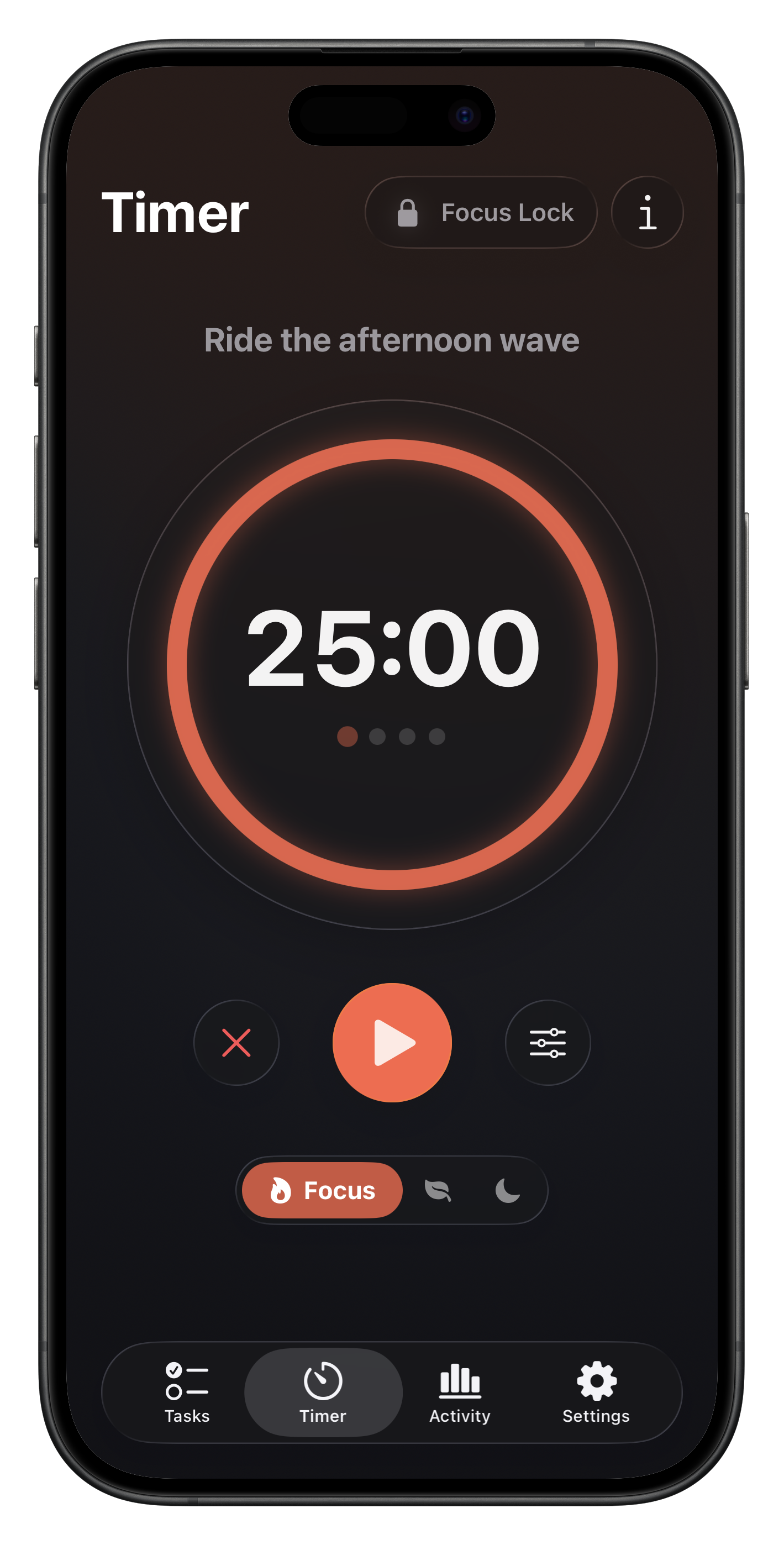
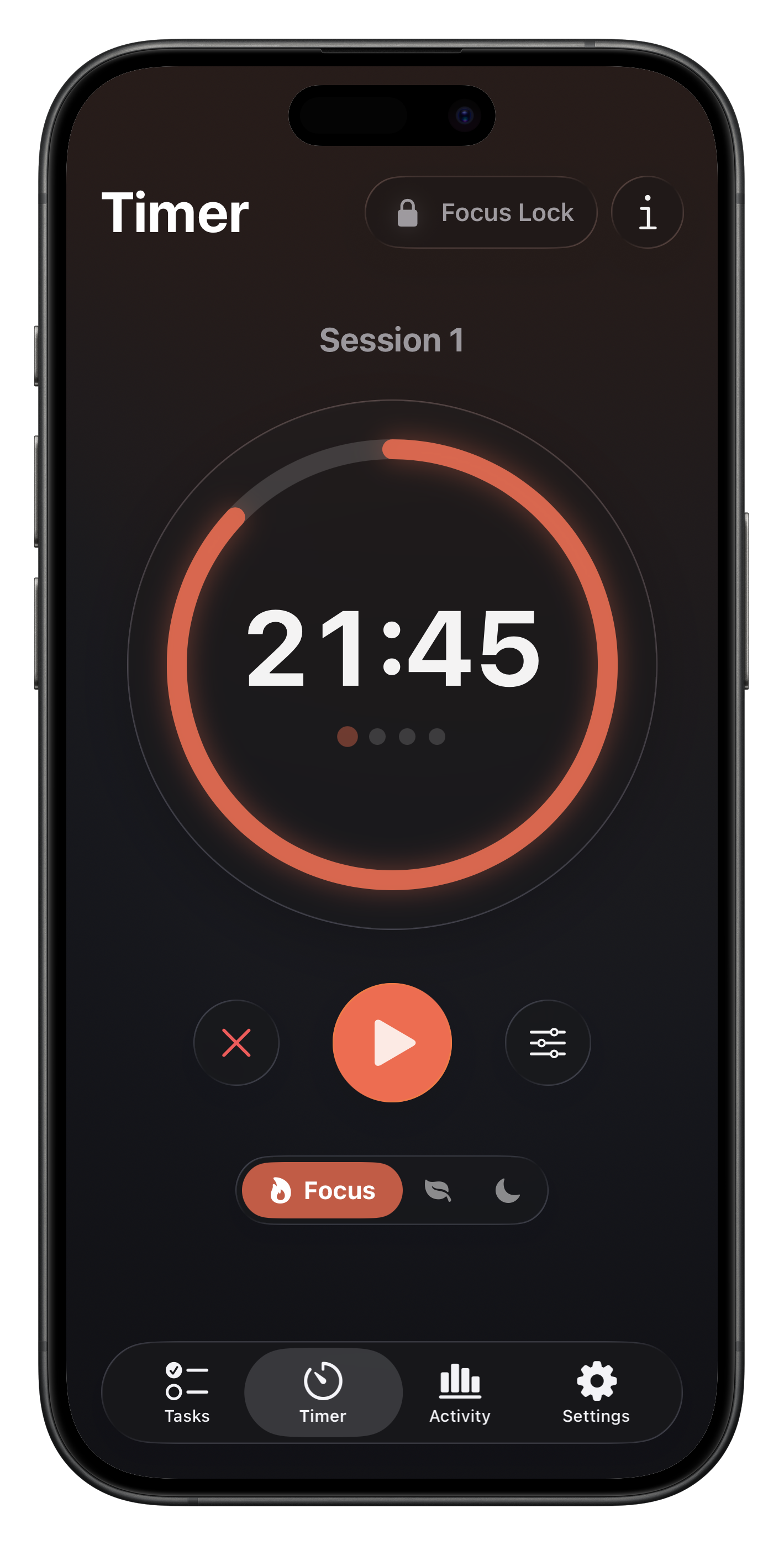
Choose Focus, Short Break, or Long Break. Durations are fully configurable in Settings.
Tap play
AlarmKit keeps your timer running even when you leave the app — no babysitting required.
Build your streak
Complete sessions toward your daily goal. Every four focus sessions earns you a long break.
Everything you need to actually study
No filler. Just the tools that keep you in deep work.
Timer & Sessions
Configurable focus / short break / long break durations. Streak tracking, daily goal, and session recovery if the app is killed mid-session.

Smart To-Do List
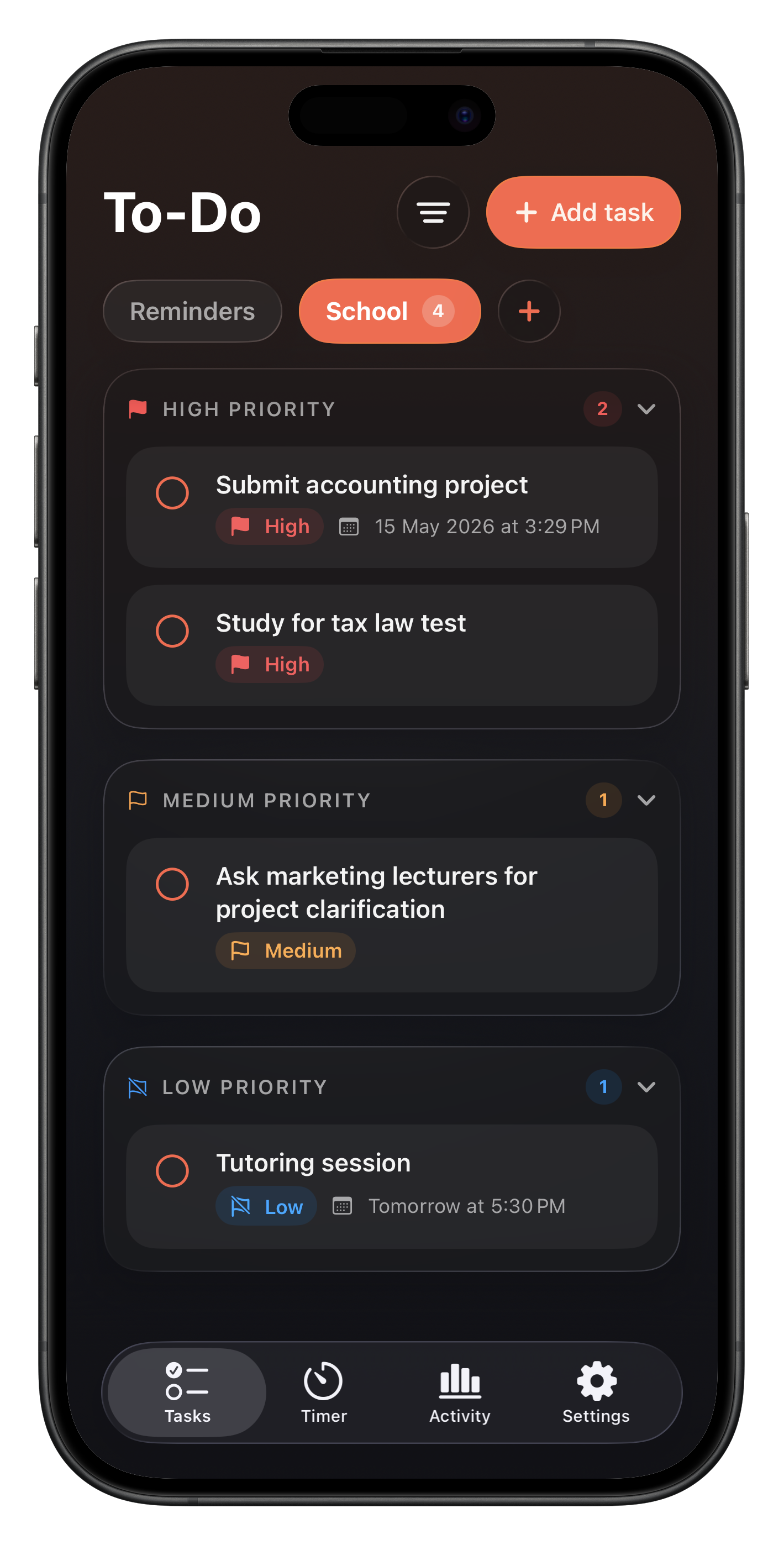
Natural-language due dates — type "Essay due Friday" and it just works. Voice-to-task dictation with live transcript. Priority chips and overdue filters.
Focus Lock
Screen Time–powered app blocking with a custom shield screen. Pick any app or category — TomaTask never sees which ones you chose.

Live Activities
Lock Screen countdown with pause, skip, and cancel controls. Dynamic Island support in compact, minimal, and expanded views. All driven by AlarmKit via App Intents.

Activity Insights + Focus Coach
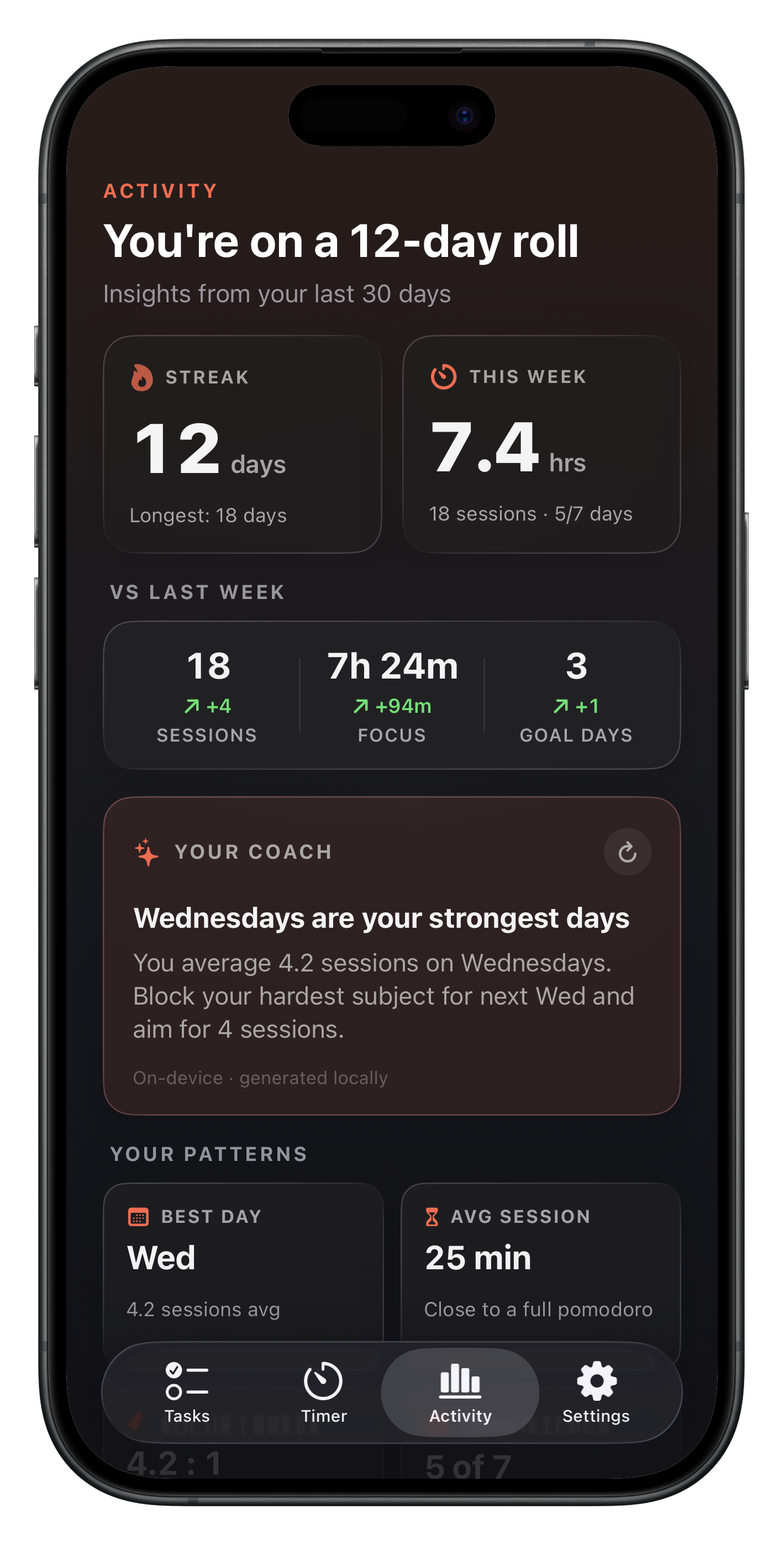
30-day study streaks, focus-time trends, and weekly insights on your work habits — generated on-device by Apple Intelligence. Your data never leaves your phone. Requires iPhone 15 Pro or later.
Built for real focus
Three things that set it apart from every other study timer.
Built natively for iOS
SwiftUI from the ground up. Live Activities, Dynamic Island, AlarmKit, Foundation Models, App Intents — TomaTask uses the full iOS platform, not a web wrapper.

Privacy-first by default
No account. No ads. Your timer history, to-dos, voice transcripts, and Focus Lock selections stay on your iPhone — and the Focus Coach AI runs entirely on-device.

Made by one indie developer
TomaTask is built and maintained by a single developer who studies and works with it every day. Every Pro subscription directly funds the app you're using.
Frequently asked.
Quick answers to the things most people ask.
Ready to
focus for real?
Turn your iPhone into a calm, deliberate study station. No account required — just download and start your first session.